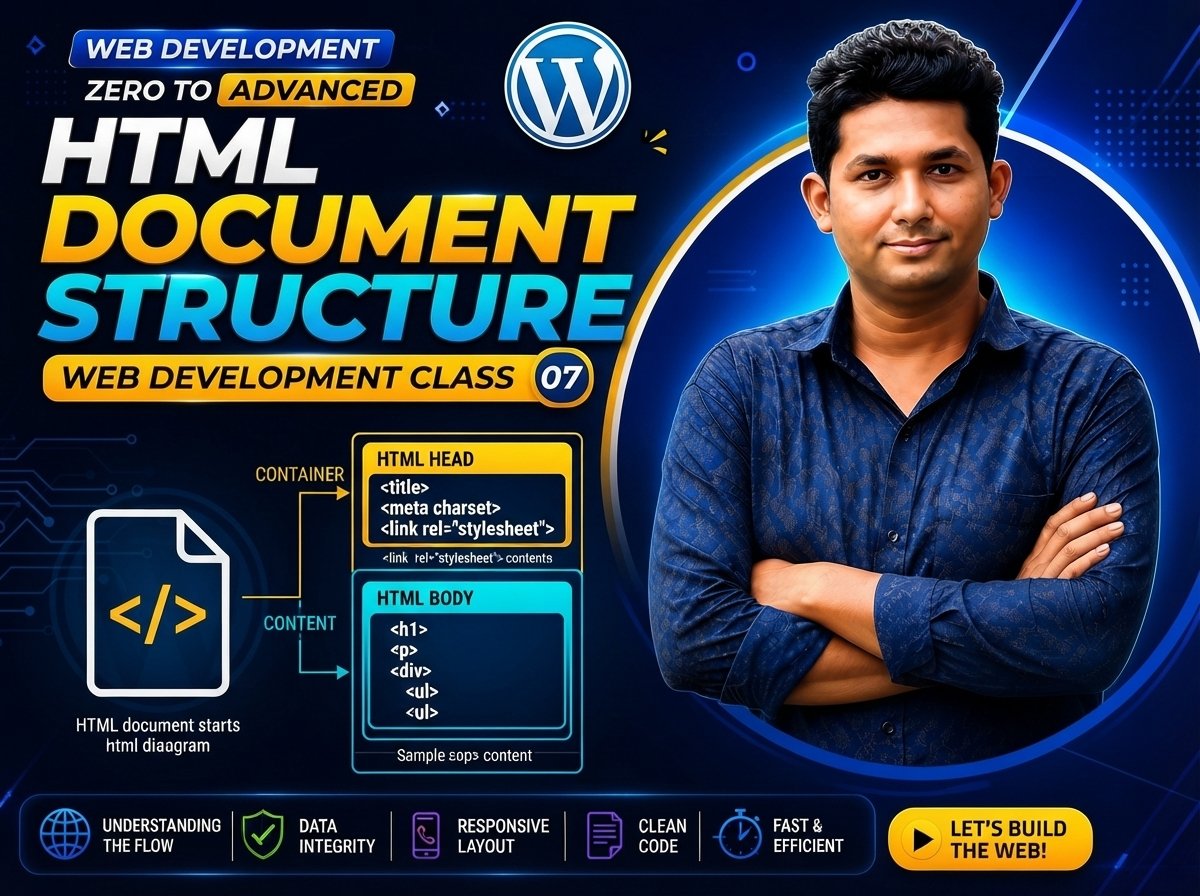
Web Development Zero to Advanced — Class 07 of 120
HTML Document Structure
HTML Document Structure is part of HTML, the markup language used to define the structure and meaning of web content.
In this class, you will learn the basic structure of an HTML document, including:
• <!DOCTYPE html>
• <html>
• <head>
• <title>
• <body>
• Opening and closing tags
• Element nesting
• Attributes
• Semantic structure
Understanding HTML document structure is important because every properly organized HTML page follows a basic structure.
What Is HTML?
HTML stands for:
HyperText Markup Language
HTML is a markup language used to define the structure and meaning of web content.
HTML is not a general-purpose programming language.
It uses elements and tags to describe different parts of a web page.
Examples:
<h1> = Main heading
<p> = Paragraph
<a> = Link
<img> = Image
<form> = Form
Basic HTML Document Structure
A basic HTML document looks like this:
<!DOCTYPE html>
<html>
<head>
    <title>Page</title>
</head>

<body>
    Content
</body>
</html>
This is the basic structure you will see in almost every HTML page.
Code Explanation
Let’s understand each part.
<!DOCTYPE html>
Example:
<!DOCTYPE html>
The DOCTYPE declaration tells the browser that the document is an HTML document using modern HTML.
It should normally appear at the beginning of the file.
<html>
Example:
<html>
</html>
The <html> element is the root element of an HTML document.
Most of the document is placed inside it.
Basic structure:
<html>

    Website content

</html>
What Is the <head> Element?
The <head> section contains information about the document.
Example:
<head>
    <title>My Website</title>
</head>
The <head> section may contain information such as:
• Page title
• Metadata
• CSS links
• Character encoding information
• Other document configuration
The content inside <head> is generally not displayed as the main visible page content.
What Is the <title> Element?
The <title> element defines the title of the document.
Example:
<title>My First Website</title>
The title commonly appears in the browser tab.
Example:
<head>
    <title>Computer Shop</title>
</head>
The browser tab may display:
Computer Shop
What Is the <body> Element?
The <body> element contains the main visible content of the web page.
Example:
<body>

    <h1>Welcome to My Website</h1>

    <p>This is my first web page.</p>

</body>
Content inside the <body> can include:
• Headings
• Paragraphs
• Images
• Links
• Lists
• Tables
• Forms
• Buttons
• Videos
• Other visible page content
Complete HTML Example
Create a file named:
index.html
Then write:
<!DOCTYPE html>
<html>
<head>
    <title>My First Website</title>
</head>

<body>

    <h1>Welcome to My Website</h1>

    <p>I am learning HTML document structure.</p>

</body>
</html>
Save the file.
Then open it in your browser.
Expected Output
The browser page should display:
Welcome to My Website
I am learning HTML document structure.
The browser tab should display:
My First Website
Understanding Opening and Closing Tags
Many HTML elements use an opening tag and a closing tag.
Example:
<p>Hello World</p>
Opening tag:
<p>
Closing tag:
</p>
Content:
Hello World
Together:
<p>Hello World</p>
Another Example
<h1>Web Development</h1>
Opening tag:
<h1>
Content:
Web Development
Closing tag:
</h1>
What Is an HTML Element?
An HTML element is a structural unit in an HTML document.
Example:
<p>Hello World</p>
The complete structure is an element.
It contains:
Opening Tag + Content + Closing Tag
So:
<p> + Hello World + </p>
creates a paragraph element.
What Is Nesting?
Nesting means placing one HTML element inside another element.
Example:
<body>

    <h1>My Website</h1>

    <p>Welcome to my website.</p>

</body>
Here:
<h1> and <p>
are nested inside:
<body>.
The <body> element itself is nested inside the <html> element.
Proper Nesting
Correct example:
<p>This is <strong>important</strong> text.</p>
The <strong> element starts and ends inside the <p> element.
Improper nesting can make HTML harder to understand and may lead to unexpected browser behavior.
Indentation
Indentation makes HTML easier to read.
Less readable:
<html><head><title>Page</title></head><body><h1>Hello</h1><p>Welcome</p></body></html>
More readable:
<html>
<head>
    <title>Page</title>
</head>

<body>

    <h1>Hello</h1>

    <p>Welcome</p>

</body>
</html>
Both may be interpreted by the browser, but properly formatted code is easier to maintain.
What Is an Attribute?
An attribute provides additional information about an HTML element.
Example:
<html lang="en">
Here:
lang
is an attribute.
en
is its value.
Another example:
<a href="https://example.com">Visit Website</a>
Here:
href
is an attribute.
The value is:
Attribute Structure
A common attribute structure is:
attribute="value"
Example:
lang="en"
Another example:
href="https://example.com"
Attributes are normally placed inside the opening tag.
Improved HTML Document Structure
A more complete beginner HTML document can look like this:
<!DOCTYPE html>
<html lang="en">

<head>

    <meta charset="UTF-8">

    <title>My Website</title>

</head>

<body>

    <h1>Welcome to My Website</h1>

    <p>This page uses a basic HTML document structure.</p>

</body>

</html>
What Is lang="en"?
Example:
<html lang="en">
The lang attribute describes the primary language of the document.
Here:
en
means English.
Providing the document language is useful for accessibility and document interpretation.
What Is <meta charset="UTF-8">?
Example:
<meta charset="UTF-8">
This specifies the character encoding used by the HTML document.
UTF-8 supports a very large range of characters used by languages around the world.
A common beginner structure is:
<head>

    <meta charset="UTF-8">

    <title>My Website</title>

</head>
Understanding Parent and Child Elements
When one HTML element contains another element, we can describe their relationship using terms such as parent and child.
Example:
<body>

    <h1>Hello</h1>

</body>
<body> is the parent.
<h1> is a child of <body>.
Another example:
<html>

    <body>

        <p>Hello</p>

    </body>

</html>
Here:
<html> contains <body>.
<body> contains <p>.
Understanding nesting becomes increasingly important as HTML pages grow.
Simple Page Structure
A beginner page can be thought of like this:
HTML Document

├── Head
│   └── Title
│
└── Body
    ├── Heading
    └── Paragraph
In HTML:
<!DOCTYPE html>

<html>

<head>

    <title>My Page</title>

</head>

<body>

    <h1>Main Heading</h1>

    <p>Paragraph content.</p>

</body>

</html>
Practical Example: Business Website
Imagine you are creating a simple business website.
Create:
<!DOCTYPE html>
<html lang="en">

<head>

    <meta charset="UTF-8">

    <title>ABC IT Company</title>

</head>

<body>

    <h1>ABC IT Company</h1>

    <p>Professional Web Development Services</p>

</body>

</html>
The browser tab displays:
ABC IT Company
The page displays:
ABC IT Company
Professional Web Development Services
Why Is HTML Structure Important?
A clear HTML structure helps developers:
• Read code easily
• Maintain websites
• Find errors
• Add CSS
• Add JavaScript
• Organize content
• Improve accessibility
• Build larger pages more easily
As your projects grow, good structure becomes increasingly important.
Semantic Meaning
HTML is not only about visual appearance.
HTML elements can also describe the meaning or role of content.
For example:
<h1> means a top-level heading.
<p> means a paragraph.
Later, you will learn semantic elements such as:
<header>
<nav>
<main>
<section>
<article>
<footer>
These elements help create meaningful document structure.
Common Beginner Mistakes
1. Forgetting Closing Tags
Incorrect:
<p>Hello World
For elements that require closing tags, use the complete structure:
<p>Hello World</p>
2. Incorrect Nesting
Incorrect nesting can make code difficult to understand.
Keep child elements properly contained inside their parent elements.
3. Writing Everything on One Line
Avoid:
<html><head><title>Page</title></head><body><h1>Hello</h1></body></html>
Prefer:
<html>

<head>

    <title>Page</title>

</head>

<body>

    <h1>Hello</h1>

</body>

</html>
4. Putting Visible Content Inside <head>
Main visible page content should normally be placed inside:
<body>
5. Confusing <head> and <header>
<head> contains document metadata and configuration.
<header> is a semantic element that can represent introductory or navigational content inside the visible page.
They are not the same.
6. Forgetting the DOCTYPE
Start modern HTML documents with:
<!DOCTYPE html>
New & Difficult Words
HTML = HyperText Markup Language
Document = A complete file or page
Element = A structural unit in HTML
Tag = Markup used to define an HTML element
Opening Tag = Starting tag of an element
Closing Tag = Ending tag of an element
Attribute = Additional information attached to an element
Value = Information assigned to an attribute
Nesting = Placing one element inside another
Parent Element = Element containing another element
Child Element = Element inside another element
Root Element = The top-level element of the document
DOCTYPE = Declaration describing the HTML document type
Metadata = Information describing or configuring the document
Semantic = Meaningful structure
UTF-8 = A widely used character encoding
Important Notes
Remember the basic structure:
<!DOCTYPE html>
<html>

<head>

    <title>Page Title</title>

</head>

<body>

    Visible Content

</body>

</html>
Remember:
<html> = Root element
<head> = Document information
<title> = Browser tab title
<body> = Visible page content
A common element structure is:
Opening Tag + Content + Closing Tag
Example:
<p>Hello</p>
Practice Questions
- What does HTML stand for?
- What is an HTML document?
- What is
<!DOCTYPE html>? - What is the
<html>element? - What is the
<head>element? - What is the
<title>element? - What is the
<body>element? - What is an HTML element?
- What is an opening tag?
- What is a closing tag?
- What is nesting?
- What is an attribute?
- What is a parent element?
- What is a child element?
- What does
lang="en"mean? - What does UTF-8 refer to?
Assignment
Create a folder named:
class-07
Inside it, create:
index.html
Write this document yourself:
<!DOCTYPE html>
<html lang="en">

<head>

    <meta charset="UTF-8">

    <title>My Personal Website</title>

</head>

<body>

    <h1>Your Name</h1>

    <p>I am learning web development.</p>

    <p>This is my Class 07 HTML project.</p>

</body>

</html>
Then:
- Change the title to your own website title.
- Replace
Your Namewith your name. - Add another paragraph.
- Save the file.
- Open it in a browser.
- Check the browser tab title.
- Check the visible page content.
- Practice indentation and nesting.
Quiz
- What does HTML stand for?
Answer: HyperText Markup Language.
- What is the root element of an HTML document?
Answer: <html>.
- Which section contains the main visible content?
Answer: <body>.
- Which element defines the browser tab title?
Answer: <title>.
- Where is
<title>normally placed?
Answer: Inside <head>.
- What is an HTML attribute?
Answer: Additional information attached to an HTML element.
- What is nesting?
Answer: Placing one HTML element inside another element.
- What does
lang="en"indicate?
Answer: It indicates that the primary language of the document is English.
- What does UTF-8 relate to?
Answer: Character encoding.
- What should normally appear at the beginning of a modern HTML document?
Answer: <!DOCTYPE html>.
Interview Questions
Q: What is the basic structure of an HTML document?
Answer: A basic HTML document contains a DOCTYPE declaration, an <html> root element, a <head> section for document information, and a <body> section for visible content.
Q: What is the difference between <head> and <body>?
Answer: <head> contains metadata and document configuration, while <body> contains the main content displayed to users.
Q: What is an HTML element?
Answer: An HTML element is a structural unit in an HTML document and commonly includes an opening tag, content, and a closing tag.
Q: What is an HTML attribute?
Answer: An attribute provides additional information about an HTML element and is normally written inside the opening tag.
Q: What is HTML nesting?
Answer: HTML nesting means placing one element inside another element while maintaining a proper structural relationship.
Q: Why is proper HTML structure important?
Answer: Proper HTML structure improves readability, maintainability, accessibility, debugging, and the organization of web content.
Class Summary
In Class 07, you learned the basic structure of an HTML document.
You learned about:
HTML
DOCTYPE
HTML Element
Head
Title
Body
Opening Tags
Closing Tags
Attributes
Nesting
Parent and Child Elements
UTF-8
Semantic Structure
The most important structure to remember is:
<!DOCTYPE html>
<html>

<head>

    <title>Page Title</title>

</head>

<body>

    Page Content

</body>

</html>
Understanding this structure is essential before learning individual HTML elements in greater detail.
Next Class:
Class 08 — Headings, Paragraphs & Text